Recipe using Snikket
You are using an Android device and you want to use a free messaging app available at the Google Play Store?
This is the right recipe for you! You will use the ingredient Snikket.
Note:
This is a very easy step-by-step recipe.
But: If this it is too complicated for you to set a username and password, you can use the Quicksy-recipe instead. Quicksy only needs to know your phonenumber to get started.
Details
Please be aware of the following requirements:
Preparation time:
10 minutes
Difficulty:
Beginner
Ingredients:
Download the app Snikket from the Play Store (Android).
As soon as you meet the requirements, you can start the preparation.
Preparation
The preparation is very easy and is separated in three steps:
Step 1:
Start Snikket. The app will tell you that you need an invitiation to start. That’s no problem. We already prepared an invitation for the German provider yax.im.
Step 2:
If you read this recipe using your smartphone or tablet (where you installed Snikket): You can simply follow this link and select to open it using Snikket.
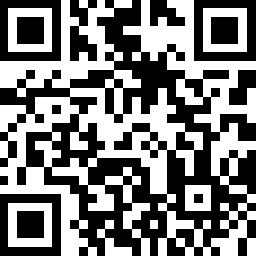
If you read this recipe on a different device: You can scan the following QR-Code using Snikket. You can find the QR-scanner of Snikket on the welcome screen at the top right.
Step 3:
Choose your usename and password (or use the pregenerated password).
Done:
You registered a chataddress yourusername@yax.im. You can give this address to your friends, so they can add you to their contact lists. You can also create a link for your address to share with other people. To do so, you can simple CLICK HERE.
Note:
Your contact list will be empty at the beginning. That’s normal – there is no automatic search for contacts. You need to ask other people for the chataddresses.
Bon appetit! You made a big step and are now more digital independent.
And once you #DIDit – Share this recipe and inspire other people to enhance their digital independence!
If you are motivated to go on: Preparing a dessert.